DwelLogs Open

Keep a pulse on your home.

The filters, the well, the septic, the animals, the thing that broke last week. DwelLogs keeps what your home needs and when, and shares it with everyone who lives there. Free.

Start Add it to your phone

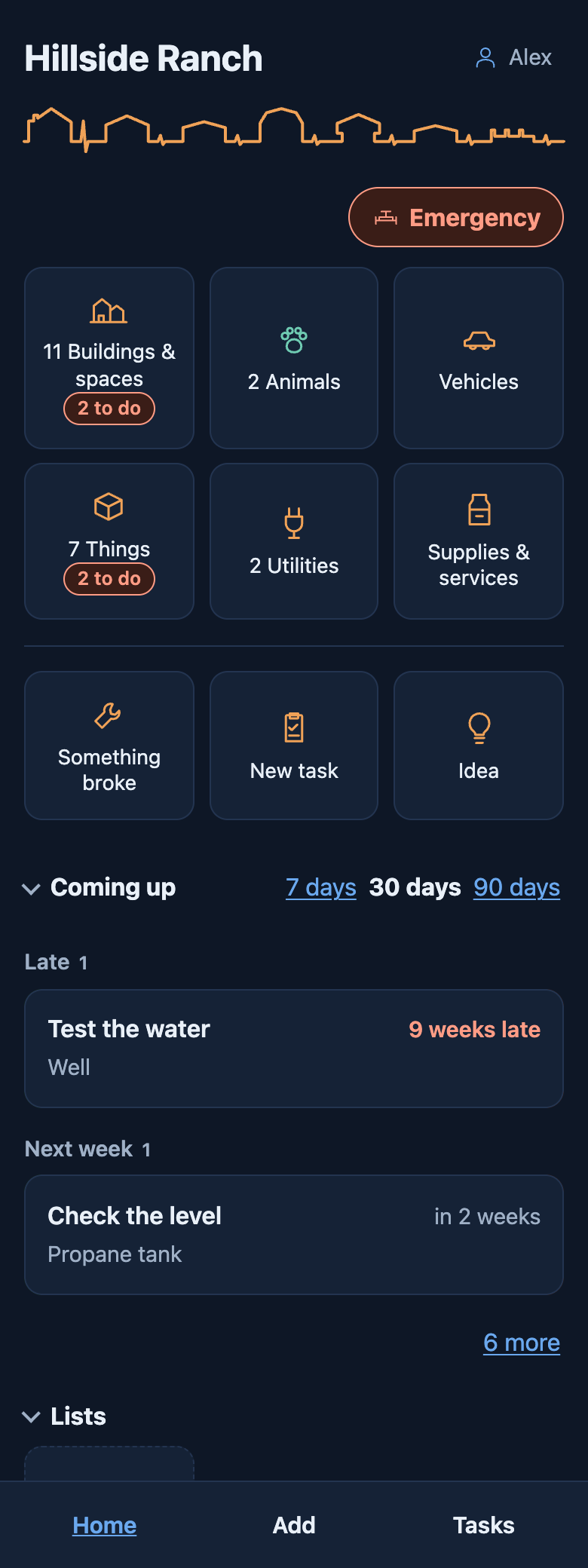
Home in DwelLogs: the place's tiles, Something broke, New task and Idea, then what is coming up, with one late.

Not in the App Store yet. It doesn’t need to be.

DwelLogs is a web app. Add it to your Home Screen and it opens like any other app: its own icon, full screen, and it works without a signal. It updates itself, so you always have the latest.

How to add it

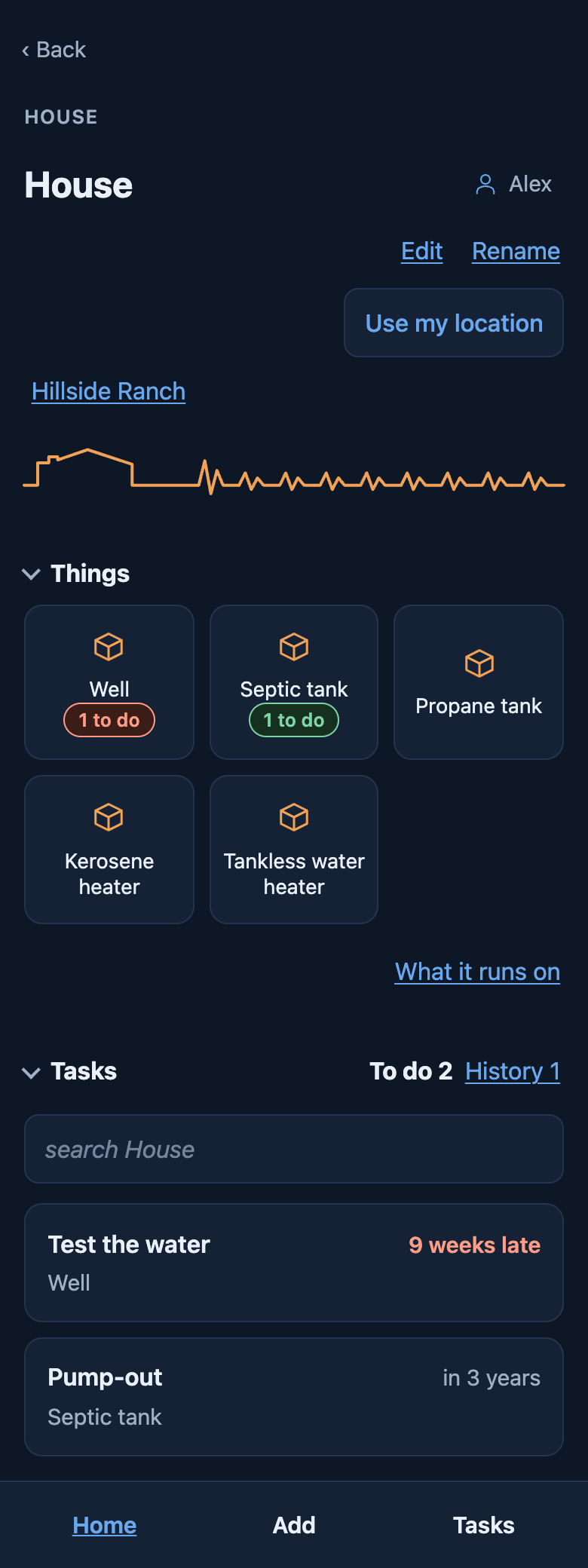
A house's page: its rooms and things as tiles, two with tasks to do, then its tasks.

Every building, thing and animal has a page

The well, the water heater, the barn, the cat. Each one shows what it needs and when, and what has already been done to it. Check-ups come round on their own: change the filter every three months, and the next one is set when you mark it done.

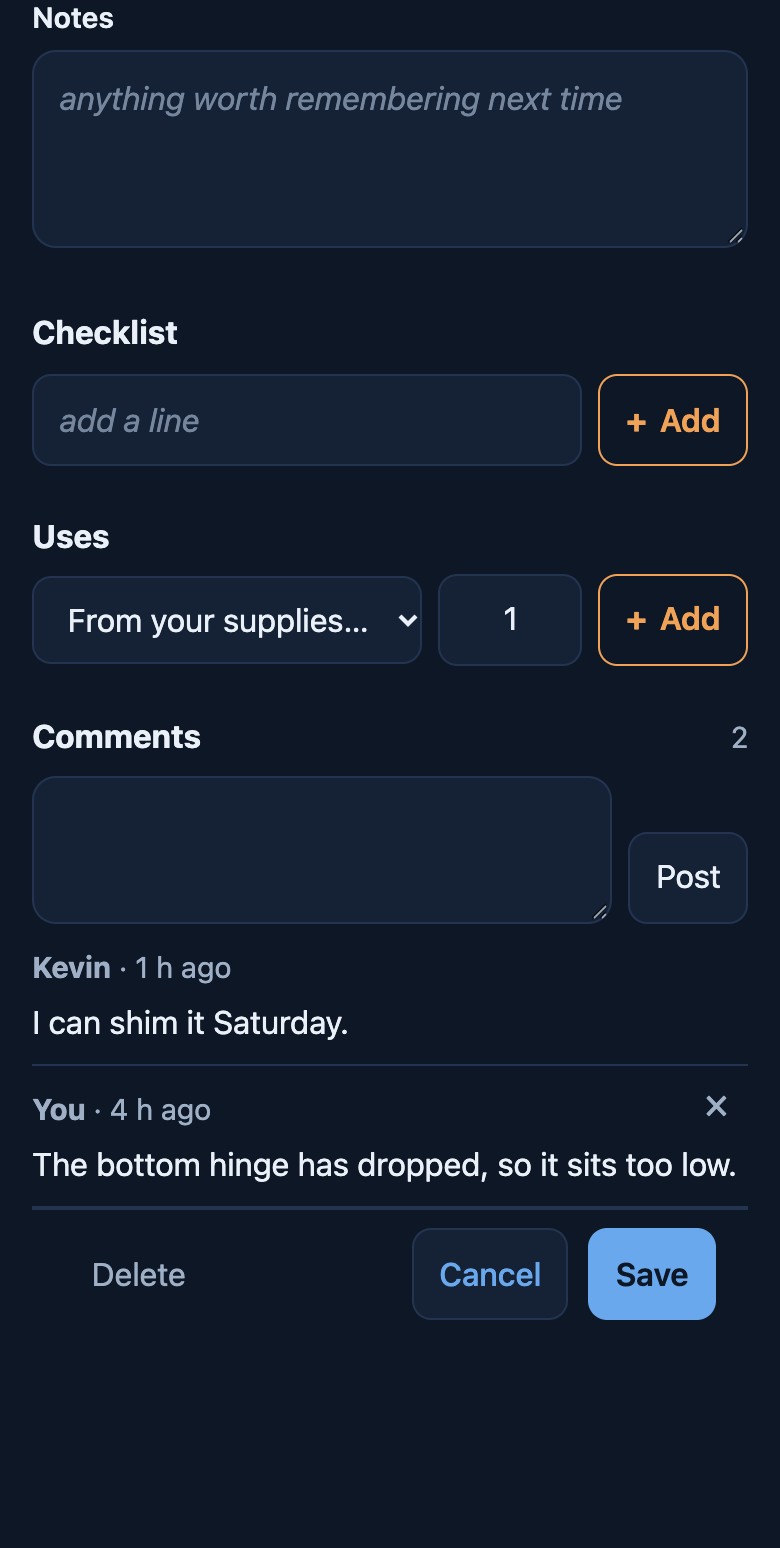
A task with two comments under it, one saying when they can get to it.

Shared with the people who live there

Invite your partner, your parents in the tiny house out back, the friend who’s staying. Anyone can take a task or just do it. Comments stay with the task, and a bell shows what’s new. Nobody keeps score: history says it was done, not who did it.

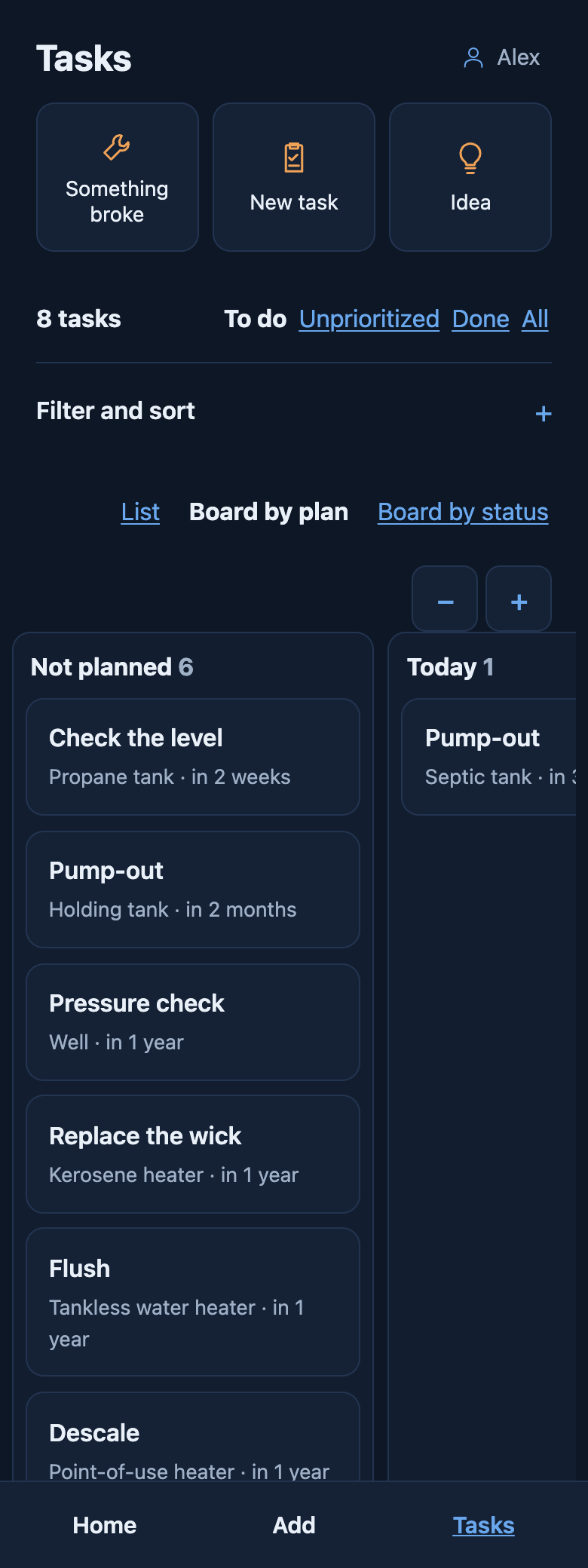
Tasks laid out as a board: Not planned, Today and This week.

Something broke? It stays on top

Say what’s wrong and how bad, and it stays at the top of Home until it’s fixed. Ideas wait with no date. Projects hold the tasks that get them done. Save any filter as a list, or lay it out as a board.

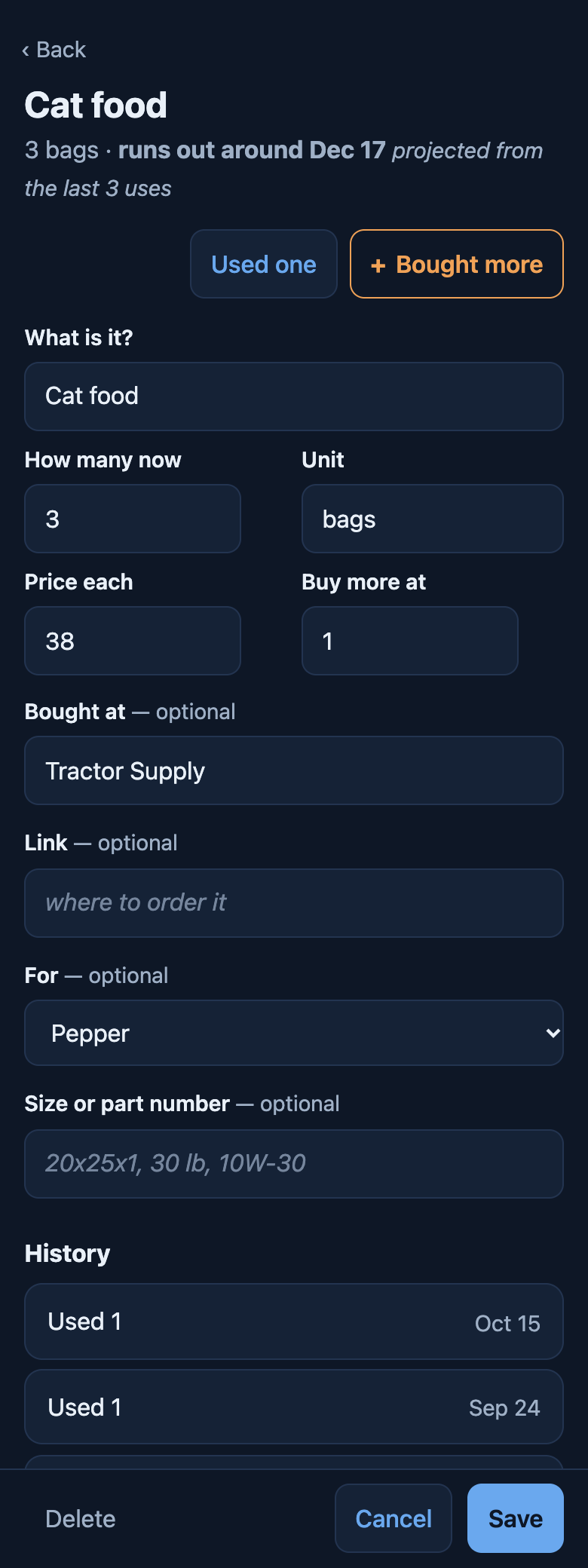
Cat food: 3 bags, runs out around a date projected from the last 3 uses, with Used one and Bought more, price, where it was bought and what it is for.

What you use up, and who you call

Filters, salt, batteries, dog food: keep how many you have, what they cost and where you bought them. A task takes what it uses off the count, and each supply says when you’ll run out, projected from how fast it has gone.

Services keep who you call, for what, how often and what a visit costs. Their check-ups come due like the rest, and every visit lands in that thing’s history.

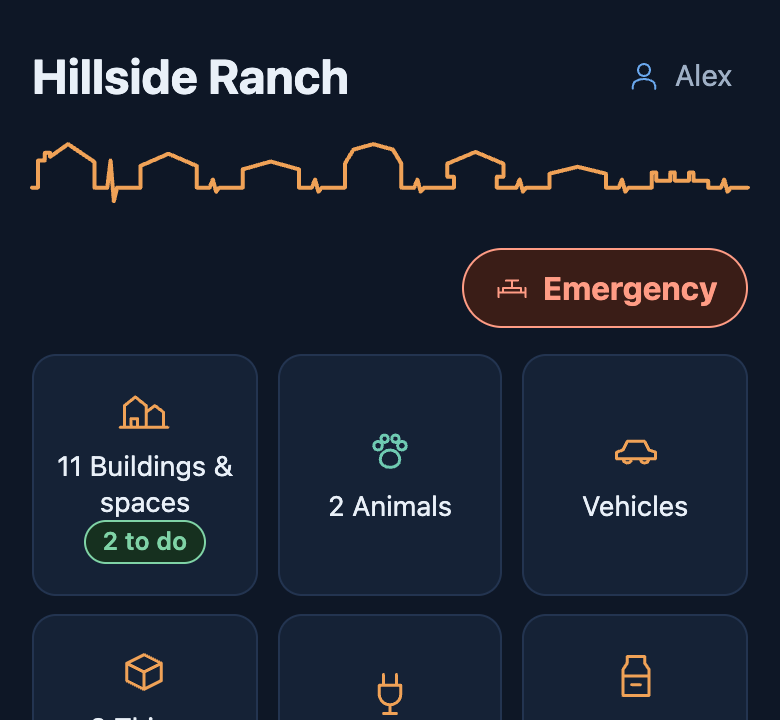
  1. Home, with the red Emergency button under the place name.Tap Emergency.
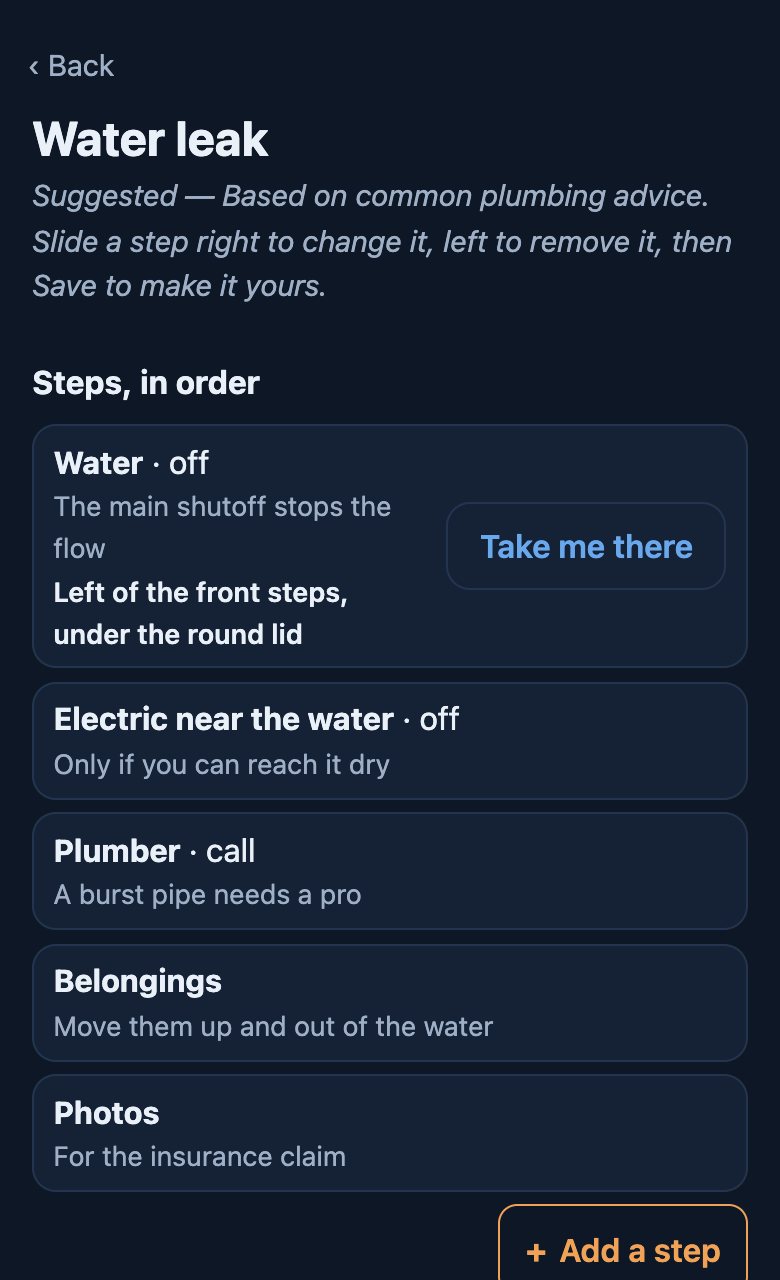
  2. The Water leak plan, labelled Suggested, based on common plumbing advice, with five steps.A suggested plan for a water leak.
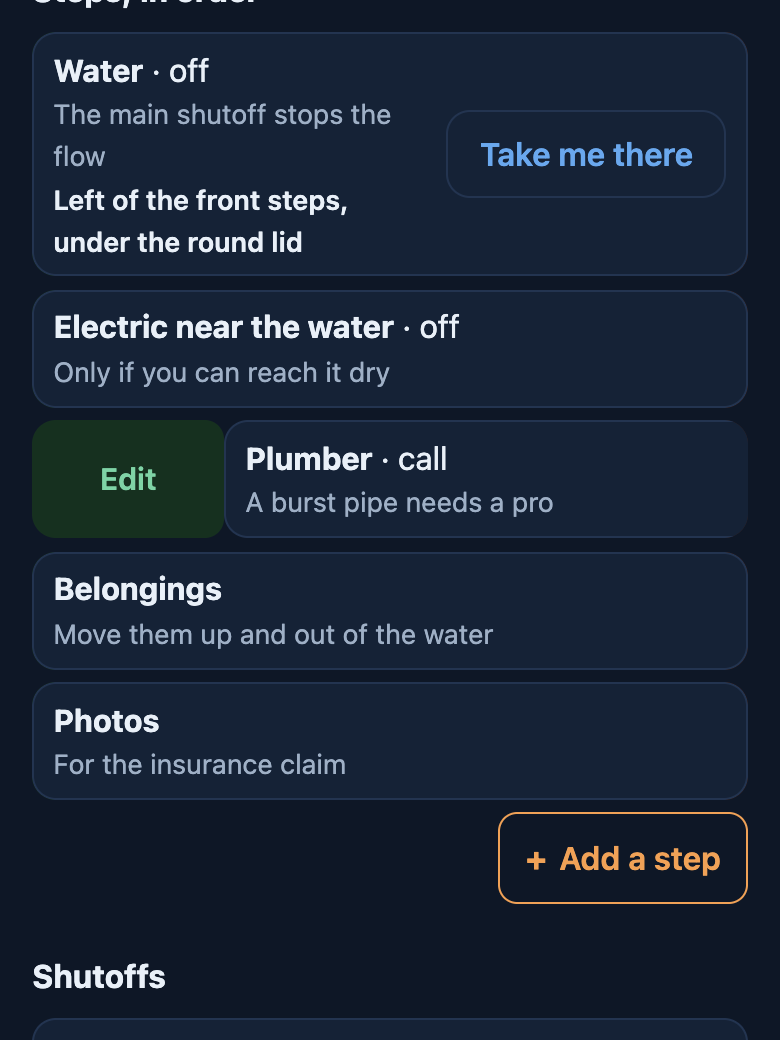
  3. The Plumber step slid right, showing a green Edit button.Slide a step to change it.
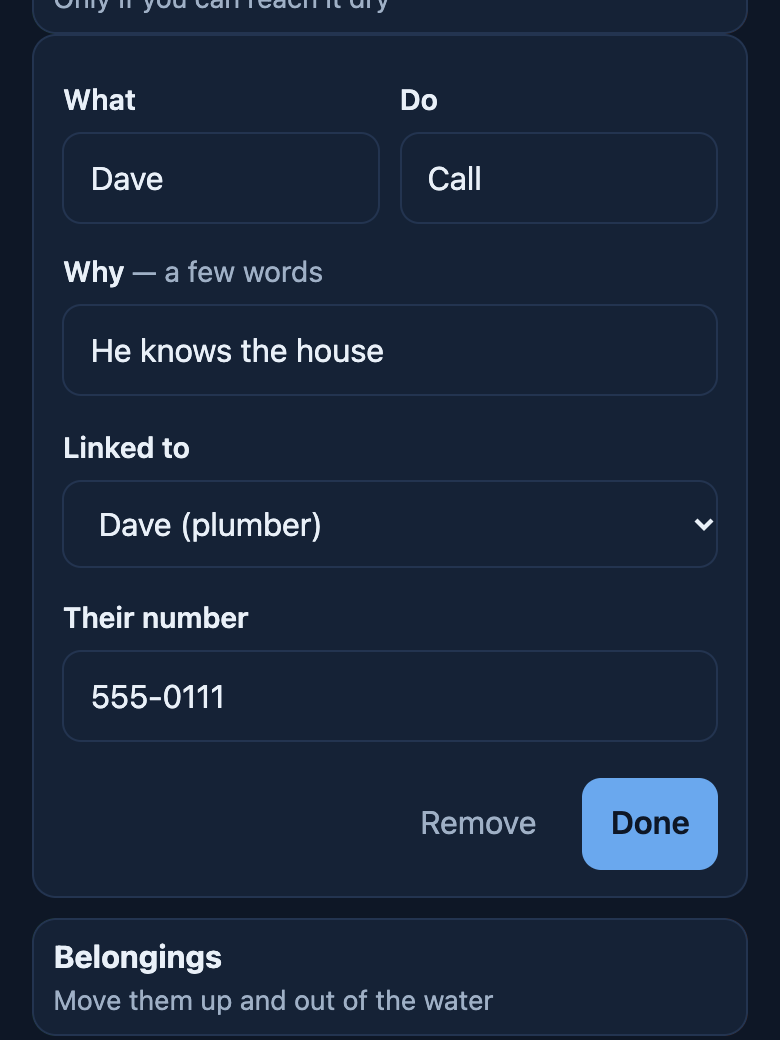
  4. The step being edited: Dave, call, he knows the house.Your own plumber, Dave.
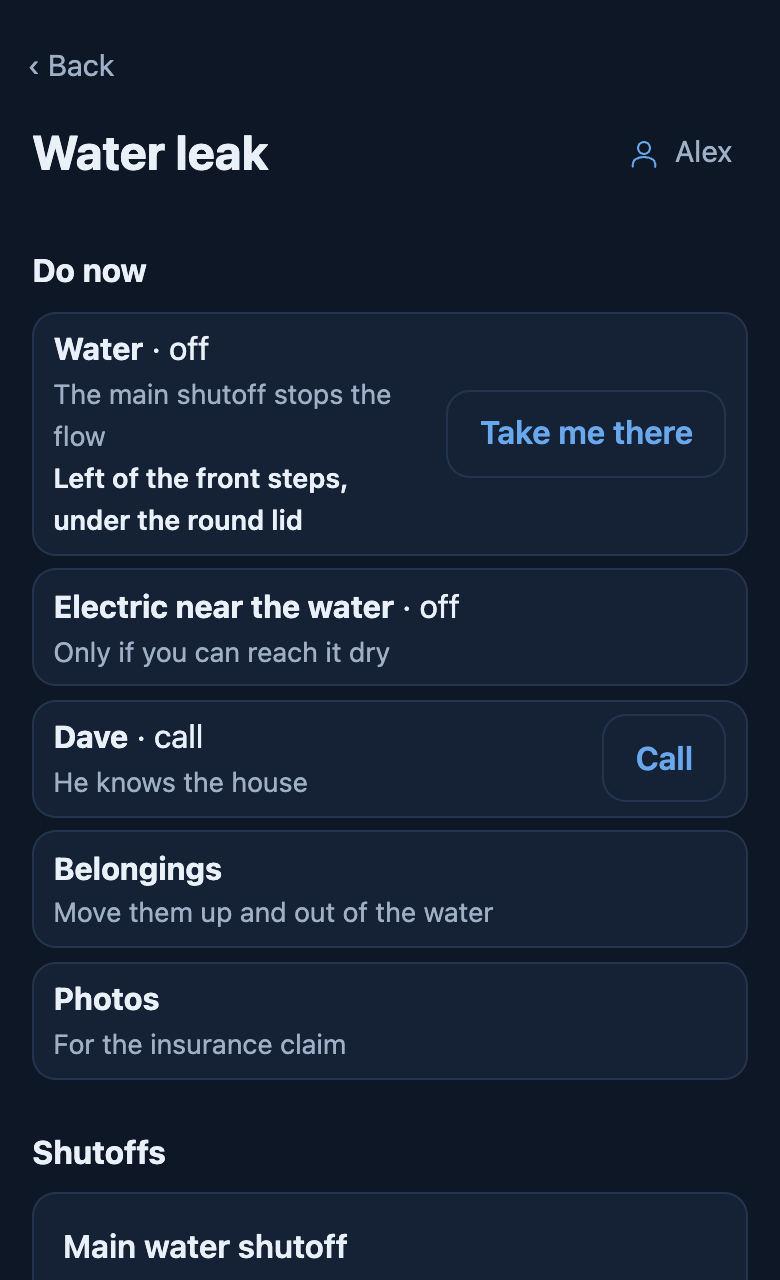
  5. The saved plan, with Dave, call, and a Call button.Saved, with a Call button.

When something goes wrong

A red Emergency button on Home. Water leak, fire, gas smell, earthquake, flood: each has your plan in order, the shutoffs that matter with where they are, and who to call, one tap away. It works with no signal.

Start from a suggested plan, labelled with where it came from, and make it yours. Add situations of your own, and pin each shutoff where you stand so you can walk back to it in the dark.

Add it to your Home Screen

iPhone or iPad

  1. Open dwellogs.com/app in Safari.
  2. Tap Share at the bottom of the screen.
  3. Scroll down and tap Add to Home Screen, then Add.
  4. Open DwelLogs from your Home Screen and sign in with your email.

Android

  1. Open dwellogs.com/app in Chrome.
  2. Tap the menu at the top right.
  3. Tap Install app or Add to Home screen.
  4. Open DwelLogs from your Home Screen and sign in with your email.

On a computer

  1. Open dwellogs.com/app in any browser and sign in.
  2. In Chrome or Edge, the install button in the address bar keeps it in its own window.

There’s no password. We email you a code, and your log is kept in your account, so a new phone picks up where the old one left off.

Why it exists

DwelLogs was built by a first-time homeowner who inherited three fridges, a well, a septic system, and a drawer of manuals that never say when. It started as a spreadsheet, and it’s being built now with the people using it.

It’s new, and feedback shapes what comes next. Tell us what’s missing or what got in your way: hello@dwellogs.com, or Feedback in the app.

Start See more of it