 Dwel
Help › Swiping
Swiping
Slide a card or a line sideways and a button appears under it. Tap the button to do it; slide back or tap anywhere else to leave it.
 A check-up on Tasks, as it sits.
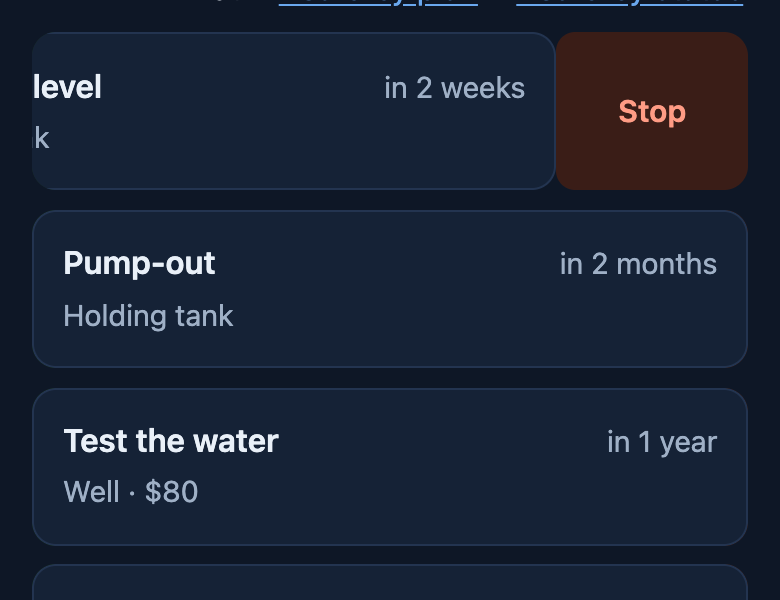 Slid left: Stop, so it stops repeating.
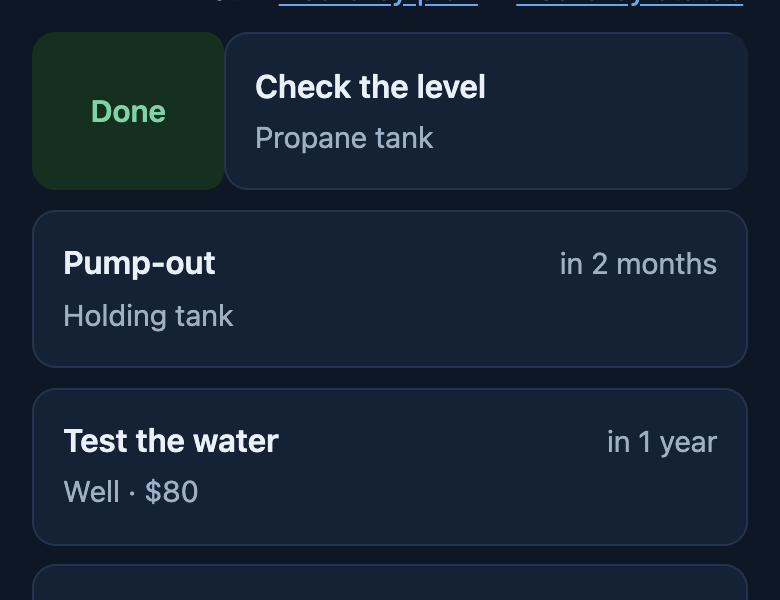 Slid right: Done, today.
| Where | Slide right | Slide left |
|---|---|---|
| A task, on Home, Tasks, a list or a thing’s page | Done, today | Remove |
| A check-up — a task that repeats, like a filter every 3 months | Done, today; the next one is set | Stop repeating — turn it back on under Check-ups |
| A line on a task’s checklist | Edit | Remove |
| A room, person or animal while setting up | — | Remove |
A task or check-up does the same from inside it: open it and use or . Removing a task keeps what was already done in the history.
On a computer there is no swipe: the Tab key reaches the same buttons, and they slide into view.